





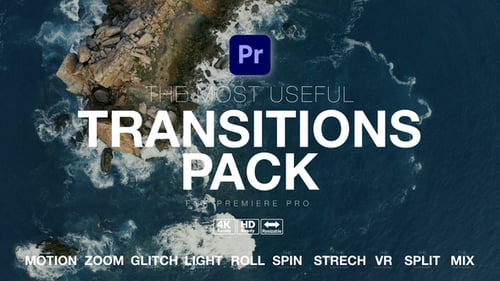
The Most Useful Transitions Pack for Premiere Pro
By PremiumilkUnlimited downloads from $16.50/month
- 26+ million premium assets & templates
- Full AI stack: video, image and audio gen
- Lifetime commercial license
- Easy cancelation
- File Size
- 450 MB
- Application Supported
- Premiere Pro
- Required Plugin
- None required
- Commercial License
- Further Information
Description
The Most Useful Transitions Pack for Premiere Pro
UPDATED TUTORIAL INCLUDED
300 Transitions Included
10 Categories
- Motion
- Zoom
- Glitch
- Light
- Roll
- Spin
- Stretch
- VR
- Split
- Mix
How to Import Transition in Timeline
Step 1 - Open Project (Not Import)
Step 2 - Match Your Resolution Settings With this Sequence (00.Resolution Settings)
Step 3 - Uncheck (Import & Overwrite Sequences)
Step 4 - Uncheck V1 (Enable V2 & V3 Before Drag Transition\
Features:
Premiere Pro 2018 and abobe Compatible Project
Resizable Template to any resolution 4Κ, HD, Mobile, Square Resolution
Ready Pre-Made Projects (4K, HD, VERTICAL, SQUARE)
Fast Previews
Sound Fx Included
Very Fast Render
Tutorial with voice over included.\
This template is also available for Final Cut Pro/Apple Motion and DaVinci Resolve
Audio used in this item