
Generate custom footage in seconds using VideoGen’s AI b-roll generator — your stock footage alternative


Video editors and content creators know the struggle: finding the right b-roll can take hours, only to end up with clips that don’t quite fit your story. Generic stock footage can make your content feel repetitive or disconnected from your brand.
That’s where VideoGen, an AI b-roll generator, changes the game. This AI tool helps you create custom b-roll footage that perfectly aligns with your script, tone, and style, providing you with cinematic visuals.
What is an AI b-roll generator?
An AI b-roll generator is an AI video tool that uses artificial intelligence to create original video clips based on text prompts. Besides getting clips from stock video, you can describe the scene they need, and AI generates it instantly.
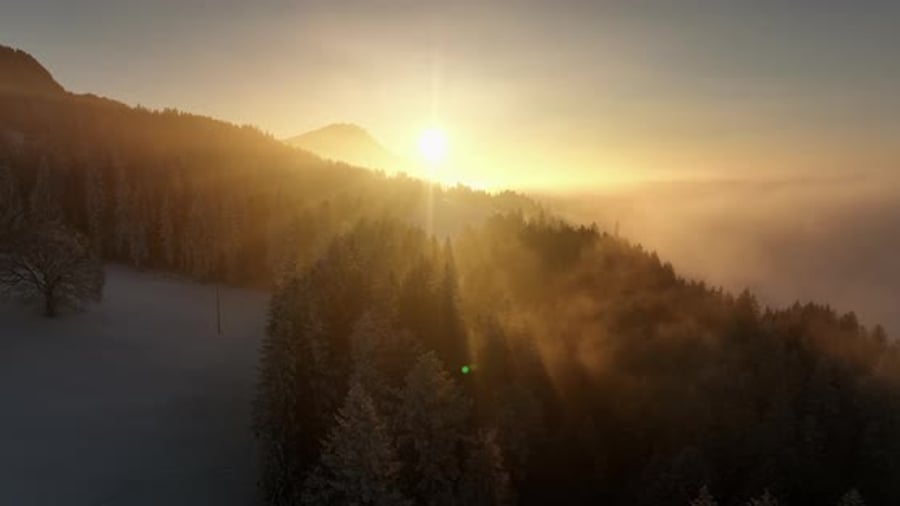
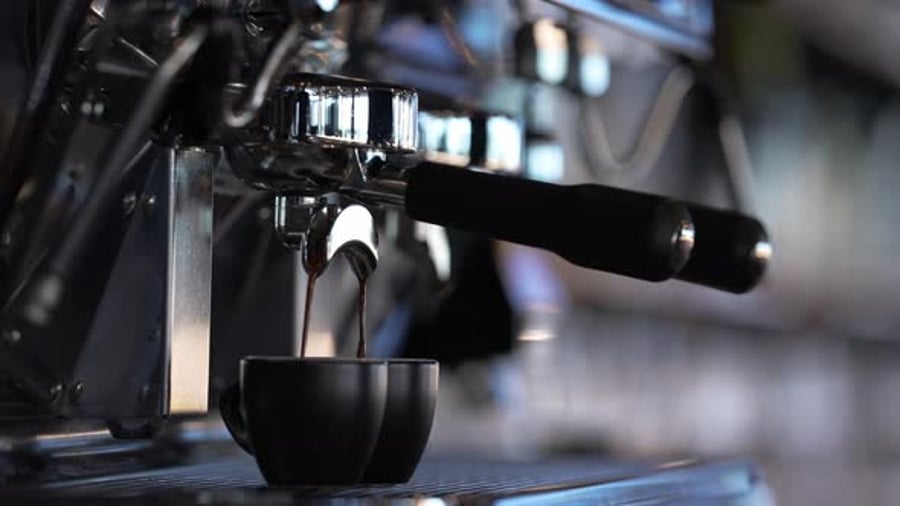
With VideoGen, you can type something like “a drone shot of a mountain at sunrise” or “a barista pouring coffee in slow motion” and get fully customized, cinematic footage in seconds.
How to create custom b-roll using VideoGen
Follow these simple steps to start generating your own AI-powered b-roll:
- Open VideoGen and enter a detailed description of the scene you want to create.
- Customize the style by setting the camera angle, color tone, mood, and motion.
- Generate and preview your clip instantly.
- Download and integrate your b-roll directly into your editing software.
Pro tip: Get better b-roll, faster. Explore our AI Video prompting guide and learn how to write prompts that unlock your most creative results with Envato VideoGen.
Your unique, cinematic visuals are ready; no cameras, no licensing, no searching through endless libraries. Envato VideoGen makes it easy to generate custom b-roll for any style or project. Whether you’re crafting cinematic travel shots, sleek product demos, or social media videos, these examples show how to use the AI b-roll generator to create unique, high-quality footage in seconds.
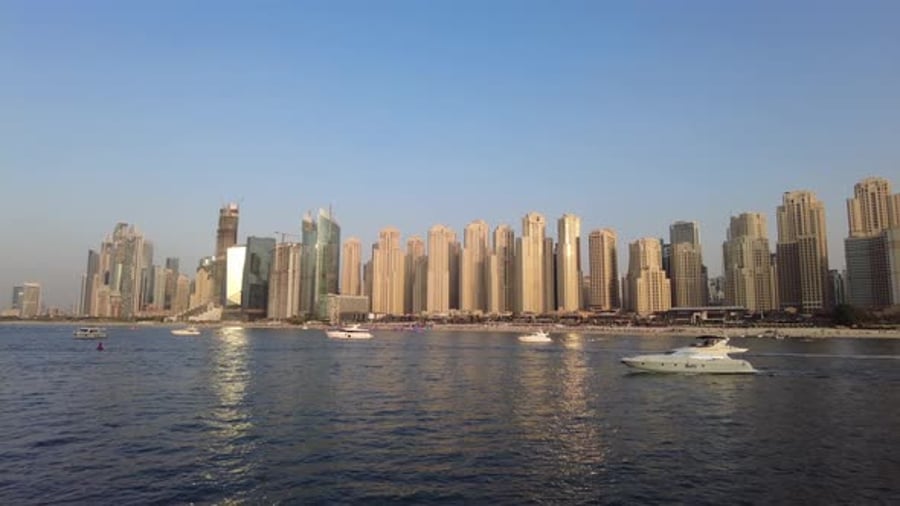
Establishing shot: City skyline
An establishing shot is a wide or distant view that introduces the setting of a scene, such as the exterior of a building, a landscape, or a recognizable location. It’s a foundational b-roll element because it orients the audience, giving them a clear sense of where the story is taking place before moving into closer or more detailed shots.
Establishing footage sets tone, scale, and context, helping viewers intuitively understand the world of the film and preparing them for the action or narrative that follows.
Image prompt:
Style: A24 Cinematic
Realistic photograph of the city skyline with skyscrapers and a lake at dawn, the sun rising between the skyscrapers, cinematic colors, high angle, 35 mm.
Video prompt:
Realistic scene of the city skyline, the sun rising between the skyscrapers, 35 mm, dolly in, pan left.
Before generating motion, it’s worth perfecting the look of your base image. ImageEdit, featuring Nano Banana Pro, lets you fine-tune tone, contrast, and palette so the video starts from a visually consistent foundation — something especially important for scenes where color shifts can easily feel unnatural. This early color pass yields smoother lighting continuity, fewer tonal surprises, and cleaner frame-to-frame consistency once the camera begins to move.
VideoGen can generate custom skyline visuals tailored to your mood or style. Additionally, your Envato subscription offers thousands of real city skyline clips, perfect for grounding your edit in a specific location.


Action shot
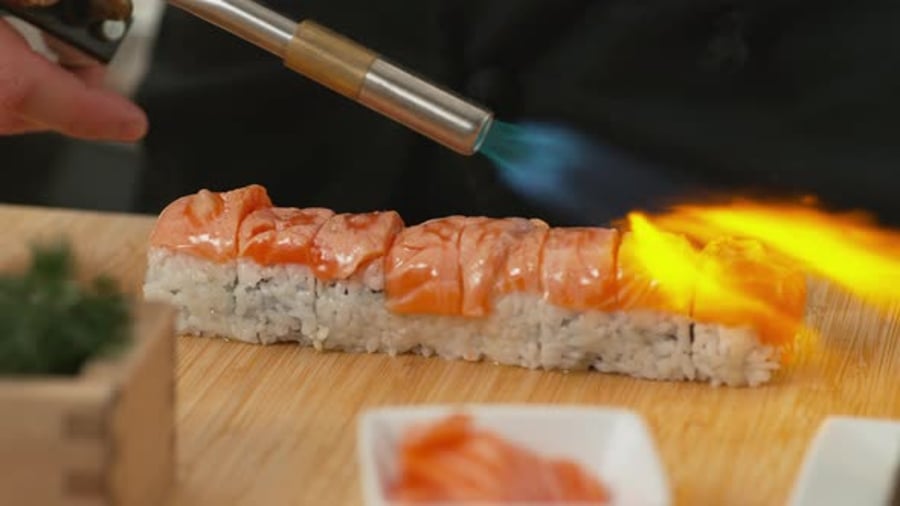
An action shot showcases movement, ranging from traffic rushing past to hands chopping vegetables or a worker assembling a product. This type of b-roll adds energy and rhythm to a sequence, keeping the viewer engaged and interested. Action shots are especially important because they break up static scenes, convey process or momentum, and enhance storytelling through visual dynamism.
Image prompt:
Style: A24 Cinematic
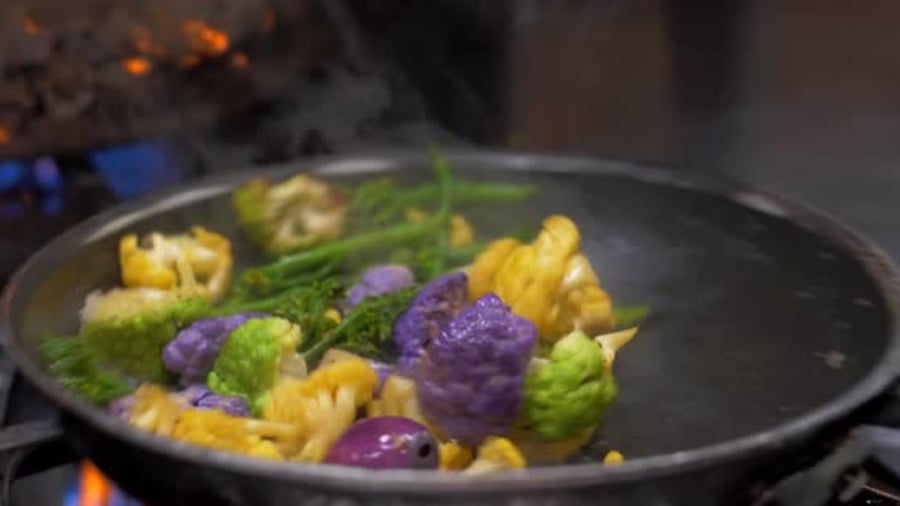
A close-up of a frying pan in a professional kitchen. The pan is on the stove, with vegetables in it. In the shot, a hand can be seen holding the pan’s handle.
Video prompt:
The hand moves the pan back and forth, tilts it slightly towards the fire to flambé the pan, the scene is in slow motion
Start your video workflow by generating a strong first frame with ImageGen and one of its built-in visual styles. Instead of describing the entire aesthetic in your prompt (lighting, texture, mood, and color palette), you can simply select a style, such as Product Luxury, A24 Cinematic, or Analog Diffraction, to instantly set the tone.
Action shot
Image prompt:
Style: 35mm Time Capsule
A frontal shot of a hand holding a professional kitchen knife, you can also see carrot strips being held by the person’s other hand and on a white cutting board.
Video prompt:
Frontal shot of a person cutting carrots professionally on a white cutting board. Crisp orange carrot slices fall naturally onto the board.
Whether you’re creating dynamic movement or process-focused visuals in VideoGen, you can supplement them with professional action b-roll from Envato’s stock library. It’s a quick way to add polished, real-life motion when your story needs an extra burst of activity.

Cutaway shot
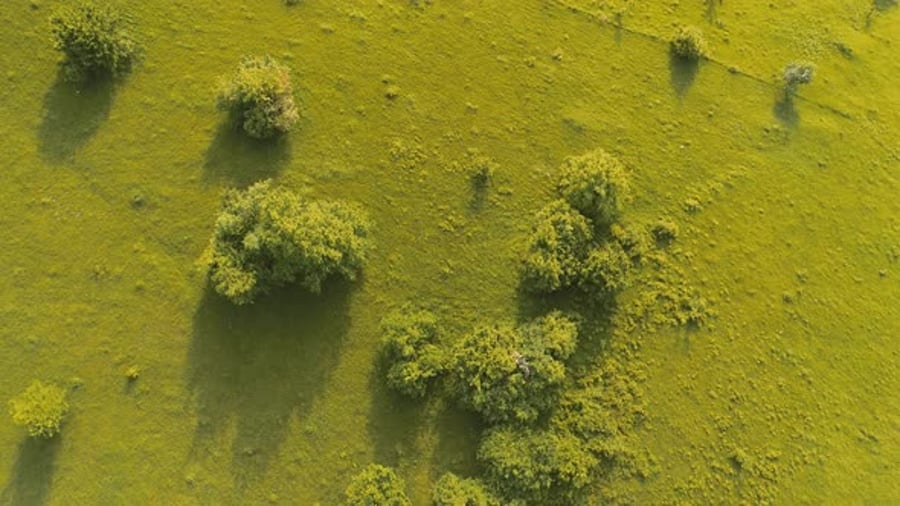
A cutaway is a shot that “cuts away” from the main action to show a related detail, environment, or object. It’s a foundational editing tool because it smooths transitions, hides jump cuts, and adds narrative context. Cutaways enrich the viewer’s understanding by subtly highlighting what surrounds or supports the primary scene.
Image prompt:
Style: A24 Cinematic
A stunning black sand beach with lush, vibrant green vegetation framing the shoreline, meeting a brilliant blue ocean with gentle waves. The sky is clear with a few fluffy white clouds.
Video prompt:
The camera stays still, you can see the movement of the sea, how the small waves reach the beach.
Video prompt:
Wide desert landscape inspired by the American Southwest, with sandstone formations and distant mesas under a vast open sky. A cinematic time-lapse shows the transition from golden sunset to deep night: warm sunlight fades, shadows stretch across the red rocks, stars gradually fill the sky, and the Milky Way becomes visible. The scene feels vast, peaceful, and timeless.

Insert shot
Insert shots focus tightly on a specific detail, such as a phone screen, a key turning in a lock, or a logo on packaging. These shots are essential for directing viewer attention, clarifying important information, and giving editors flexibility. Inserts help emphasize key moments without distracting from the overall flow.
Image prompt:
No style
Medium close-up of a cup of coffee on a wooden table, next to a book, eyeglasses and plants. Steam is coming out of the coffee cup, next to a window inside an apartment, high angle, realistic photograph, muted tones, bright lighting.
Video prompt:
Steam rises from the coffee, the camera orbits around the cup.
Use VideoGen to create specific insert shots and complement them with crisp stock footage from Envato. Your subscription includes a wide range of inserts filmed with professional lighting and clarity.


Reaction shot
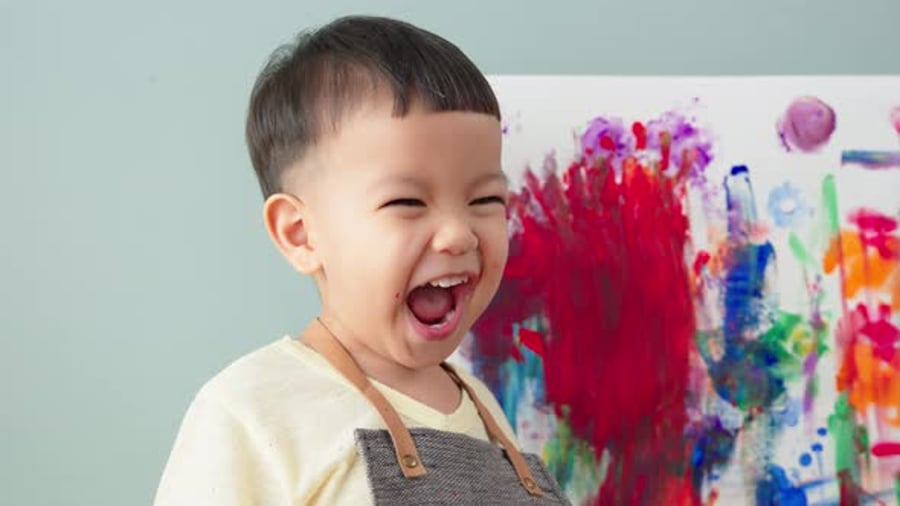
A reaction shot captures how someone responds to an event, line of dialogue, or moment in the scene. In b-roll, reaction shots add emotional texture, helping viewers feel a deeper connection to the story and its characters. They are vital for pacing and for underscoring tone, whether humorous, dramatic, or heartfelt.
Image prompt:
Style: Fuji Simulation
Portrait of a 30-year-old Latina model, smiling, wearing a salmon-colored bomber jacket, bleached hair with two buns, Y2K style, realistic photography, background of a blurred green park.
Video prompt:
The model laughs, pan left, orbit up.
Fuji Simulation gives your starting image a film-like look with clean color and natural skin tones. After generating the base shot, use Nano Banana to refine facial details, smooth distortions, and enhance realism. This quick two-step workflow produces more lifelike human models and a polished, professional finish.


Transition shot
Transition shots are visuals used to move smoothly from one scene or location to another, such as passing clouds, shifting shadows, or a quick tilt to the sky. They’re important because they reset the audience’s focus and prevent abrupt edits. Transition b-roll brings continuity, elegance, and breathing space to the narrative.
Video prompt:
Realistic photograph of cars stuck in traffic on the highway, cars and trucks are going in two directions, the vehicles are moving, a city can be seen in the distance, midday light, aerial shot, fixed camera.
Generate custom transition shots with VideoGen and enhance your project with Envato’s high-quality stock transitions. These clips make scene changes smoother and more visually engaging.



Atmosphere shot
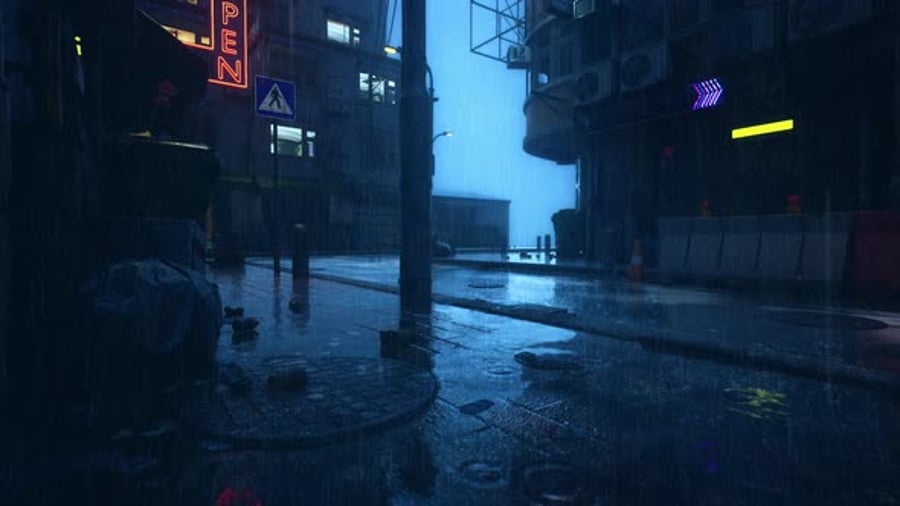
Atmosphere shots capture the mood or environment of a location, such as steam rising from a street grate, rain hitting a window, or dust floating in sunlight. They’re crucial for immersing the audience in a sense of place. This type of b-roll deepens the tone of the piece, providing editors with more texture to incorporate into the final cut.
Video prompt:
It’s raining, and the rain falls on the New York street, creating ripples and splashes, lights fall on the rain. No people.
Capturing clean, cinematic water footage with AI requires more than just describing “rain” or “river.” Water is reflective, dynamic, and highly detailed, so prompts need to guide composition and explicitly exclude subjects that often appear unintentionally – in this case, people.


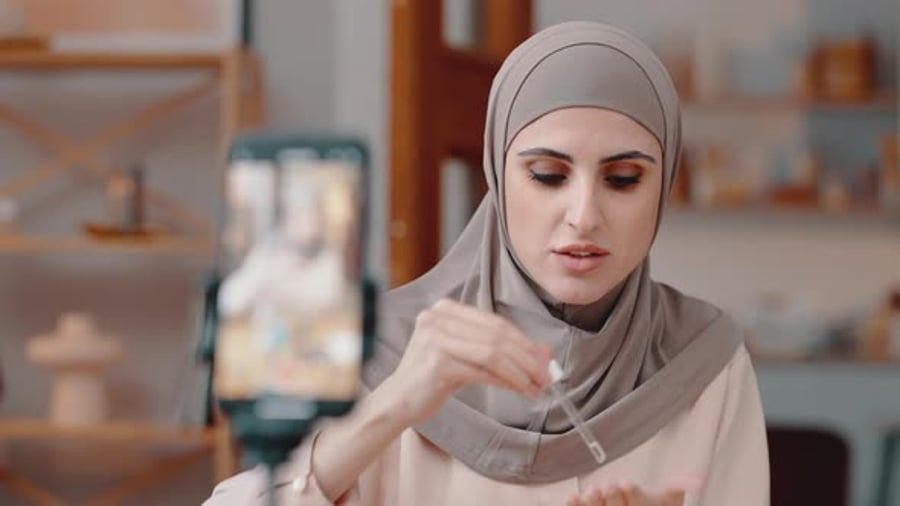
Product shot
A product shot showcases an object, whether it’s tech, cosmetics, food, or packaging, in a clean, intentional way. These shots are important for marketing, tutorials, and brand storytelling because they highlight design, function, and quality. Good product b-roll helps audiences understand what’s being shown and builds trust in the visuals.
Image prompt:
Style: Product Minimalism
Product photography, zenith angle, unboxing, showing a box and hands handling it, subdued colors, on a pink table.
Video prompt:
Unboxing, the hands open the box and reveal a bottle of little luxury perfume, no brand name.


Lifestyle
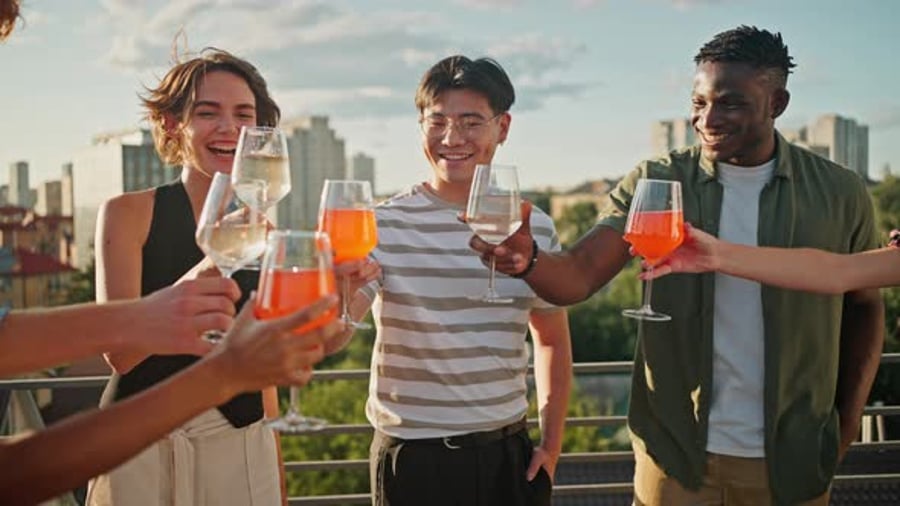
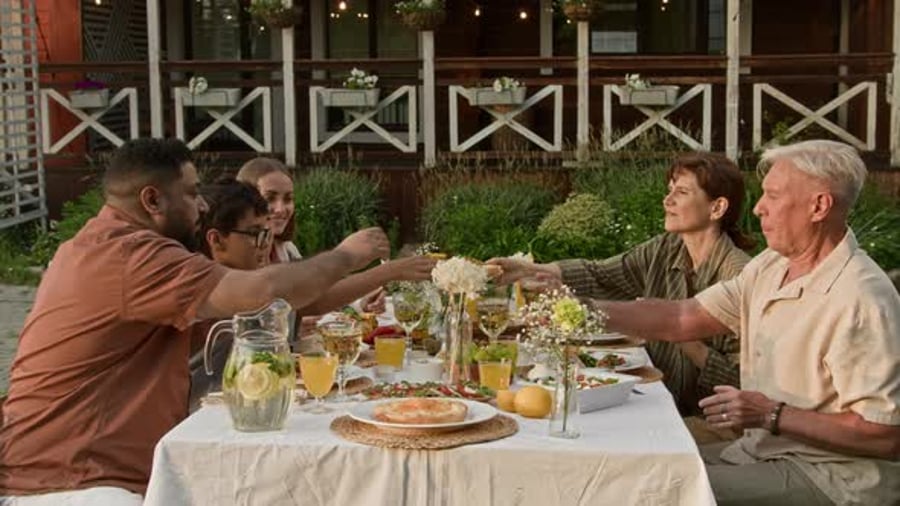
Lifestyle b-roll shows people interacting naturally with a product, environment, or activity. For example, someone cooking, commuting, or enjoying a coffee. It’s important because it humanizes the narrative and shows how something fits into real life. Lifestyle shots help convey relatability, aspiration, or everyday authenticity.
Video prompt:
A cozy 6 adult family dinner scene where people remain at the table after eating, warm light, the main emphasis on human connection, subtle gestures, laughter, eye contact, intimate atmosphere
Lifestyle scenes created with VideoGen can effectively illustrate mood or narrative, and your Envato subscription also grants you access to a diverse range of real lifestyle footage, showcasing authentic moments, diverse talent, and everyday interactions.

Archival
Archival b-roll consists of older footage, such as news clips, historical recordings, past events, or retro media, that provides context or contrast. It’s vital in documentaries, retrospectives, and storytelling that spans time. Archival shots lend credibility, deepen narrative layers, and visually connect the past with the present.
Image prompt:
Style: 35mm Time Capsule style
Old archive photograph of a newspaper delivery man on a city street in 1940., the man arranges a bundle of newspapers, people are walking in the background, black and white photograph, noise and grunge video film.


Why AI b-roll is a game-changer for video creation
Artificial intelligence is revolutionizing the way creators produce video content. Instead of relying solely on stock footage, tools like VideoGen provide the freedom to generate footage on demand.
This shift toward AI-generated b-roll empowers creators to focus on storytelling rather than logistics. It’s faster, cheaper, and far more creative, which is ideal for YouTubers, marketers, filmmakers, and businesses that want to make a lasting impression.
Soon, using an AI b-roll generator like VideoGen won’t just be a creative advantage; it’ll be a standard part of every modern video workflow.
Why VideoGen is the best stock footage alternative

Tired of spending hours scrolling through stock libraries to find the perfect clip? Here’s why VideoGen is a game-changer for video editors and content creators:
- Create custom b-roll that matches your brand, story, and tone. Every clip is unique, so you won’t see the same footage in other creators’ videos.
- Faster production, less hassle. Generate b-roll in seconds, not hours. Just describe your scene, click “generate,” and drop it into your editing timeline.
- Cost-effective and scalable. Forget expensive stock video subscriptions and per-clip licensing fees. VideoGen lets you create unlimited b-roll for one flat rate.
Try VideoGen today and see why it’s quickly becoming the go-to AI b-roll generator for content creators around the world.
AI b-roll generators FAQ
What is an AI b-roll generator?
An AI b-roll generator uses artificial intelligence to create custom, high-quality video clips based on written prompts. It’s a modern alternative to traditional stock footage libraries.
How does VideoGen work?
VideoGen uses advanced generative AI models to turn your text descriptions into original video scenes. You type what you need, choose the style, and the tool generates footage you can download immediately.
Is AI-generated b-roll copyright-free?
Yes. Footage created through VideoGen is unique and doesn’t require stock licensing or attribution. You own the rights to use it in your projects.
How is this different from stock footage?
Stock footage is pre-shot and reused by many creators. VideoGen, as a stock footage alternative, generates brand-new content tailored specifically to your prompt, giving you exclusivity and originality.
Can AI b-roll replace traditional filming?
For many projects, yes. While traditional shoots still have their place, AI-generated b-roll offers unmatched speed, affordability, and customization, making it perfect for online content, marketing, and social media videos.


